
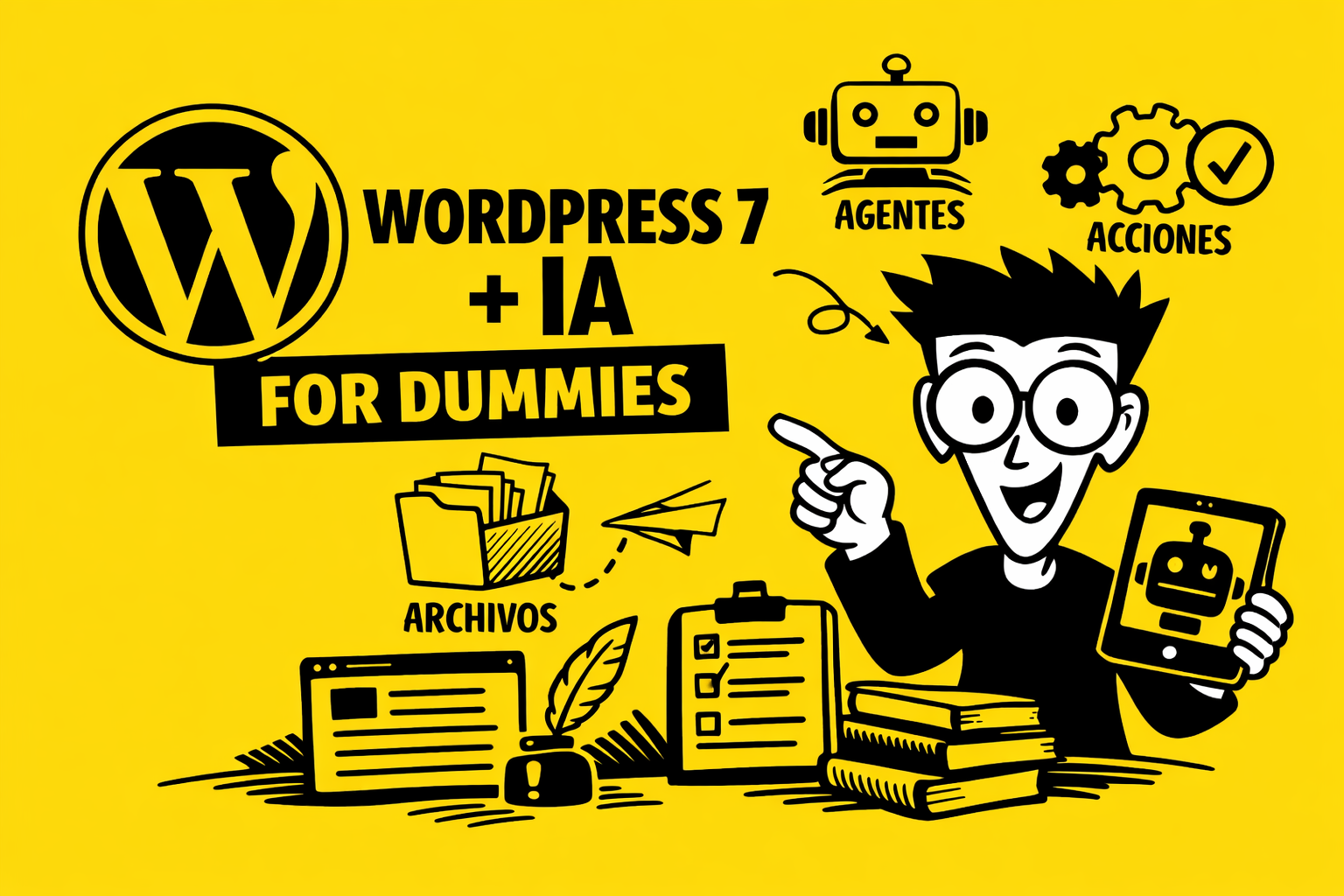
The For Dummies guide that explains what the heck agents and files are, and why everyone's talking about them.
WordPress 7 has decided to modernize. It's no longer just that CMS you installed, tweaked, and prayed wouldn't break when updating a plugin. Now it comes with native AI integration, and it does so with three magic words you'll see everywhere: agents, files, and actions.
Let's take it one step at a time, no drama.
🧠 What is an agent?
Think of an agent as a very smart intern working inside your WordPress site.
He doesn't get tired, he doesn't complain, and he doesn't ask for a raise. He just needs you to tell him what you want him to do.
An agent can:
- Write texts (posts, descriptions, emails, whatever)
- Analyze data (for example, which products sell best)
- Manage tasks (clean drafts, classify content, etc.)
- Respond to users (like a chatbot, but integrated into your website)
The key:
An agent is an AI with permanent instructions, as if you gave it a manual saying "this is how I want you to work on my website".
📁 What are files?
Here's the easy part: files are... files.
But with superpowers.
WordPress 7 allows you to upload documents (PDF, TXT, DOCX, CSV…) and have AI use them as a source of knowledge.
Real-world examples:
- Upload your product catalog → AI can automatically generate product listings.
- You upload your style guide → the AI always writes in your tone.
- Upload your legal policies → AI drafts texts without inventing laws.
The files are like the agent's backpack: whatever you put in there, he'll use it to do his job better.
If you want to learn more:
- How AI uses files
- What type of files should I upload?
⚙️ And the shares?
Actions are the superpowers you give the agent so it can do things within WordPress.
Examples:
- Create a post
- Update a product
- Upload an image
- Modify a menu
- Send an email
Without actions, the agent can only talk.
The agent works with actions.
Think of them as the buttons you allow him to press.
More info:
- What actions can an agent perform?
- How to activate or deactivate actions
🧩 How it all fits together
AI integration in WordPress 7 works like this:
- You create an agent → you tell it who it is and what it should do.
- You give him files → so that he has context and knowledge.
- You activate actions for it → so that it can operate within your website.
- You call it from the editor → and it helps you write, create, organize, or automate.
It's like having a mini-team inside WordPress:
- The agent is the mind
- Files are memory
- The shares are the hands
🎉 Why does this matter?
Because WordPress 7 is no longer just a CMS, it's become an operating system for intelligent content.
Real advantages:
- Save hours of repetitive work
- It maintains a consistent style.
- It allows you to automate tasks without strange plugins
- It makes your website "think" according to your rules
- It allows you to create personalized experiences for your users.
If you have a vintage shop like Wham, for example, you can:
- Upload a batch of books
- Give the AI your description rules
- And let the agent generate perfect, SEO-friendly profiles with your literary style.
🟦 “For Dummies” Summary”
- Agent → a virtual worker with fixed instructions
- Files → your knowledge backpack
- Actions → the buttons you can click in WordPress
- Result → WordPress 7 does things for you, it doesn't just wait for you to do them
 Spanish
  English
  French
  Catalan